Test version
Download Kwiz POS for Android
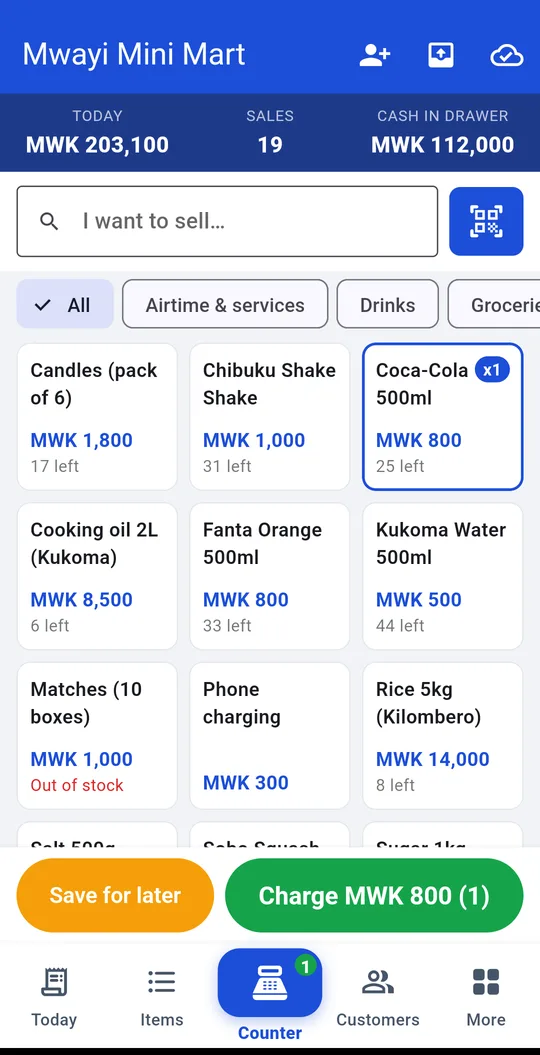
The till for your shop. Sell, count stock and see your money, even offline.
Download for Android Older phones (if the first one won't install) · 23.8 MBThe till for your shop. Sell, count stock and see your money, even offline.
Download for Android Older phones (if the first one won't install) · 23.8 MBIt takes about a minute. The app is not on the Play Store yet, so your phone may ask for permission first.
No problem. Kwiz POS sells all day offline and sends your sales to your account the next time the phone finds data or Wi-Fi.
Send us a message and we'll walk you through it, step by step.
Chat on WhatsApp